

Placement, Translations & Settings
Pin widgets to an exact spot on your theme, translate storefront copy, and manage shop-level settings.
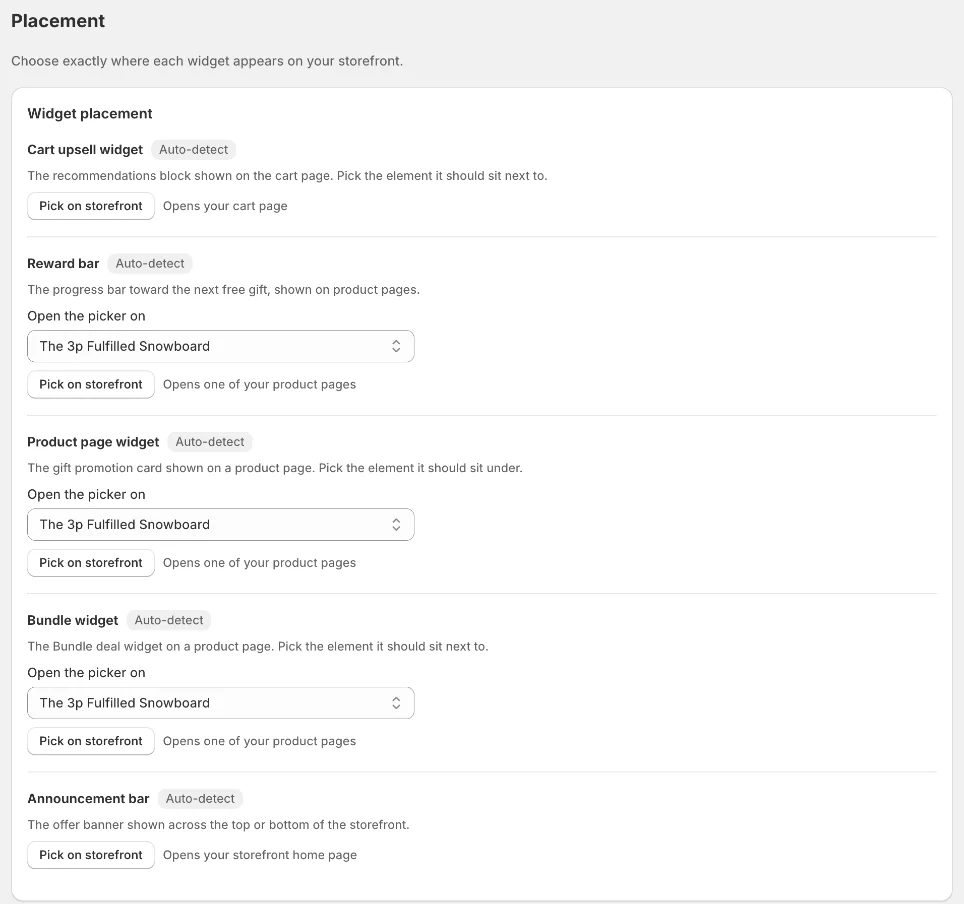
Placement — choose where widgets appear
Widgets are placed automatically (Auto-detect). If one lands in the wrong spot on your theme, open Placement and click Pick on storefront next to the widget, then click the element it should sit next to.
Available for the cart upsell widget, reward bar, product page widget, Bundle widget and announcement bar. For product-page widgets, choose which product the picker opens on.
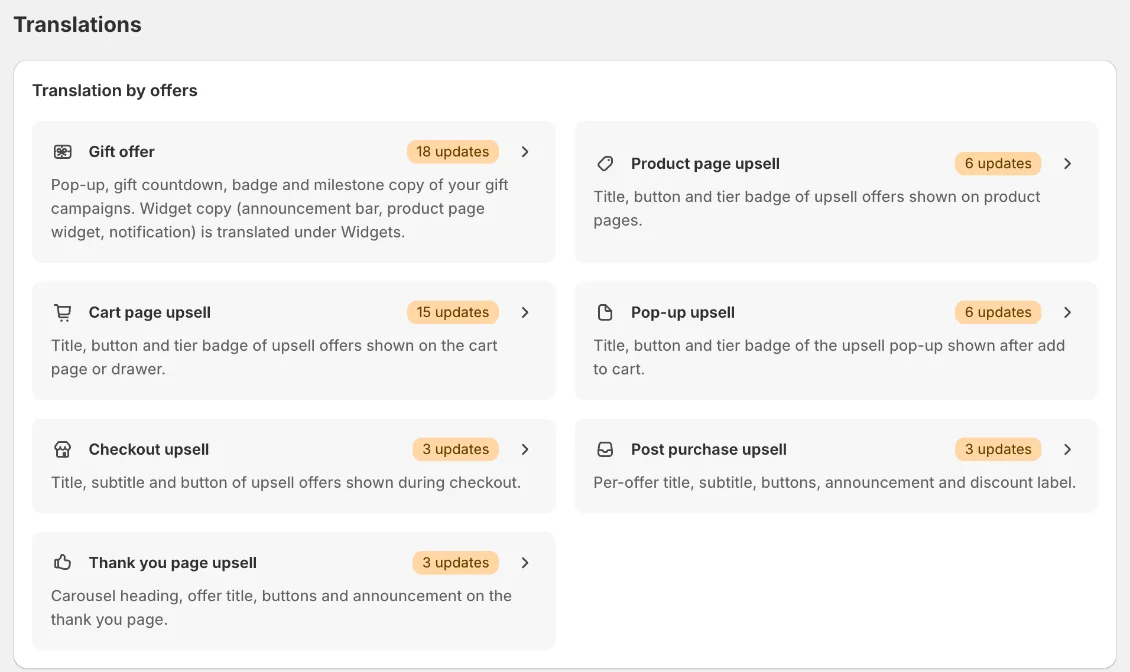
Translations
Open Translations to translate the storefront copy for each language your store sells in. Translation by offers covers the gift offer and each upsell placement; Translation by widgets covers the shared widget copy. A badge shows how many texts need an update.
App settings
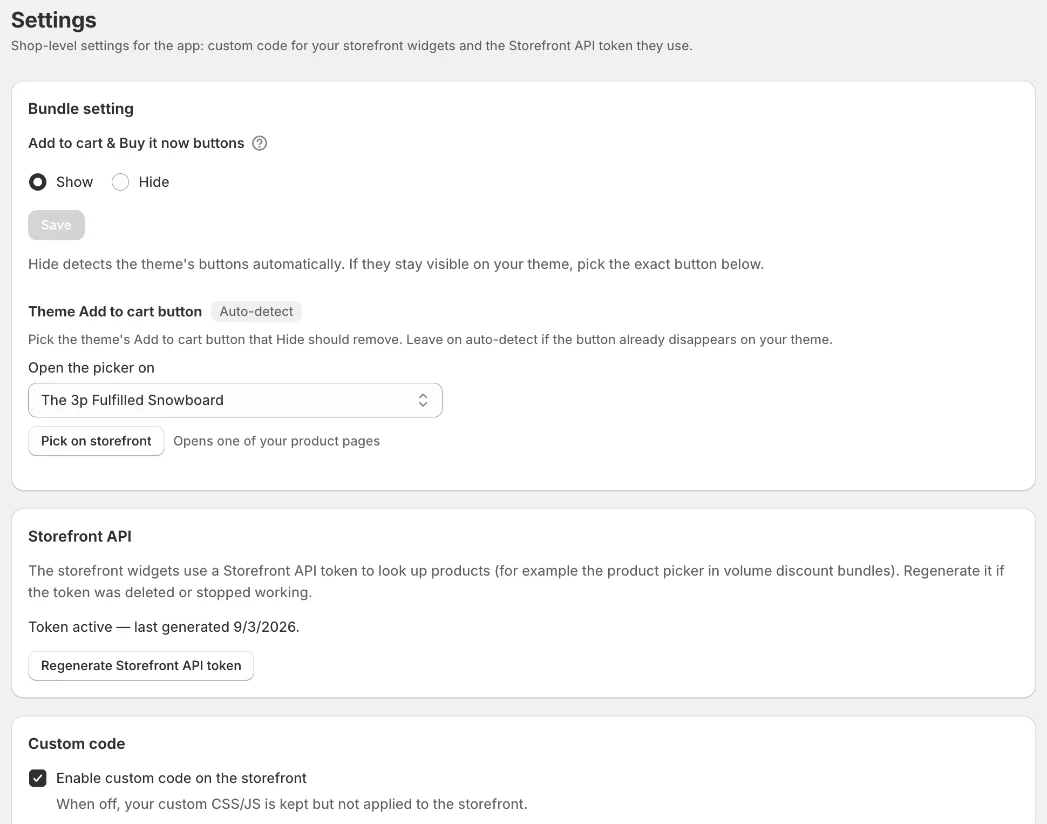
Settings holds shop-level options:
Bundle setting — show or hide the theme's Add to cart & Buy it now buttons on products with a Bundle deal. If they stay visible, pick the exact button with Pick on storefront.
Storefront API — the token storefront widgets use to look up products. Regenerate it if it was deleted or stopped working.
Custom code — add custom CSS/JS for the widgets; turn it off to keep the code without applying it.
Still need help?
Our support team is available 24/7. Contact support →