

About Meta Reporting Delays
Learn why Meta reports may not update immediately after setup and how to verify your events in real time.
Overview
Once your pixels are set up, events will start being sent to Meta, but they may take some time to appear in Meta dashboards and reports.
Stats may take time to appear
After events are sent to Meta, it can take at least 30 minutes for statistics to show up in the dashboard. This is normal Meta behavior — not an issue with your integration.
Why does this happen?
Meta doesn't display events the moment they're received. Instead, they process incoming data in batches before surfacing it in the Overview tab. This is standard behavior across all Meta integrations — the delay is fixed at the platform level and typically ranges from 30 minutes to a few hours.
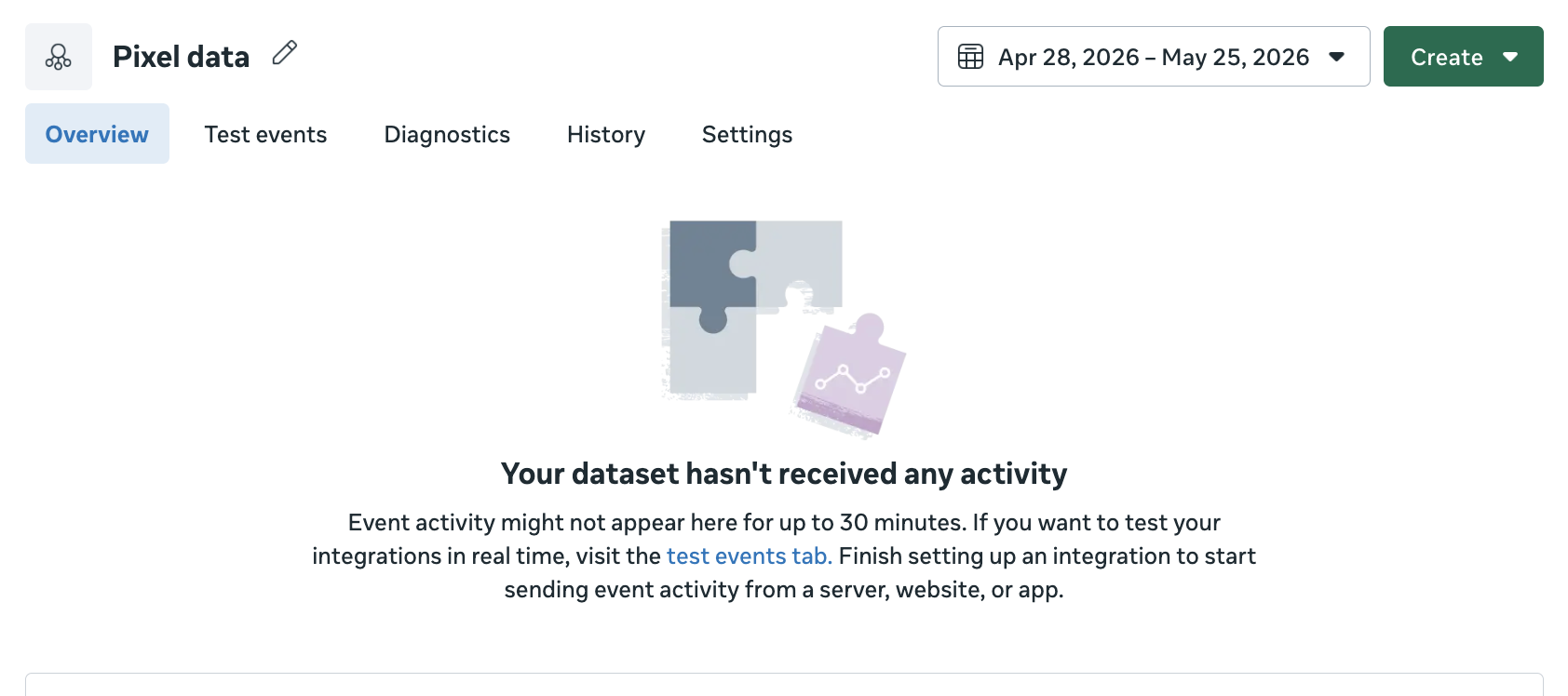
The screenshot below shows what you might see right after setup — the Overview tab shows no activity even though events are already being received by Meta.
How to confirm your events are working right now?
Don't wait for the Overview to update. Use the Test Events tab in Meta Events Manager instead — it shows events in real time as they arrive, with no delay.
Still need help?
Our support team is available 24/7. Contact support →