

Why Ego cart doesn't open when I click Add-to-cart button?
Why Ego cart doesn't open when I click ATC?
Overview
Have you encountered an issue where the Ego cart does not open when you click on the Add to cart button on your store's pages, even though it's activated? This can be frustrating and may prevent your customers from completing their purchases. In this article, we will explain why this may be happening and how you can resolve it.
What is causing this issue?
The most common reason for the Ego cart not opening is due to the add to cart event being overlapped or over-ridden by other applications or theme on your store. The add to cart event is what triggers the Ego cart to open, so if it is not functioning properly, the cart will not open as expected.
How can I resolve this issue?
If you are experiencing this issue, the best course of action is to contact our support team. Our team of experts will be able to identify the root cause of the problem and provide you with the optimal solution.
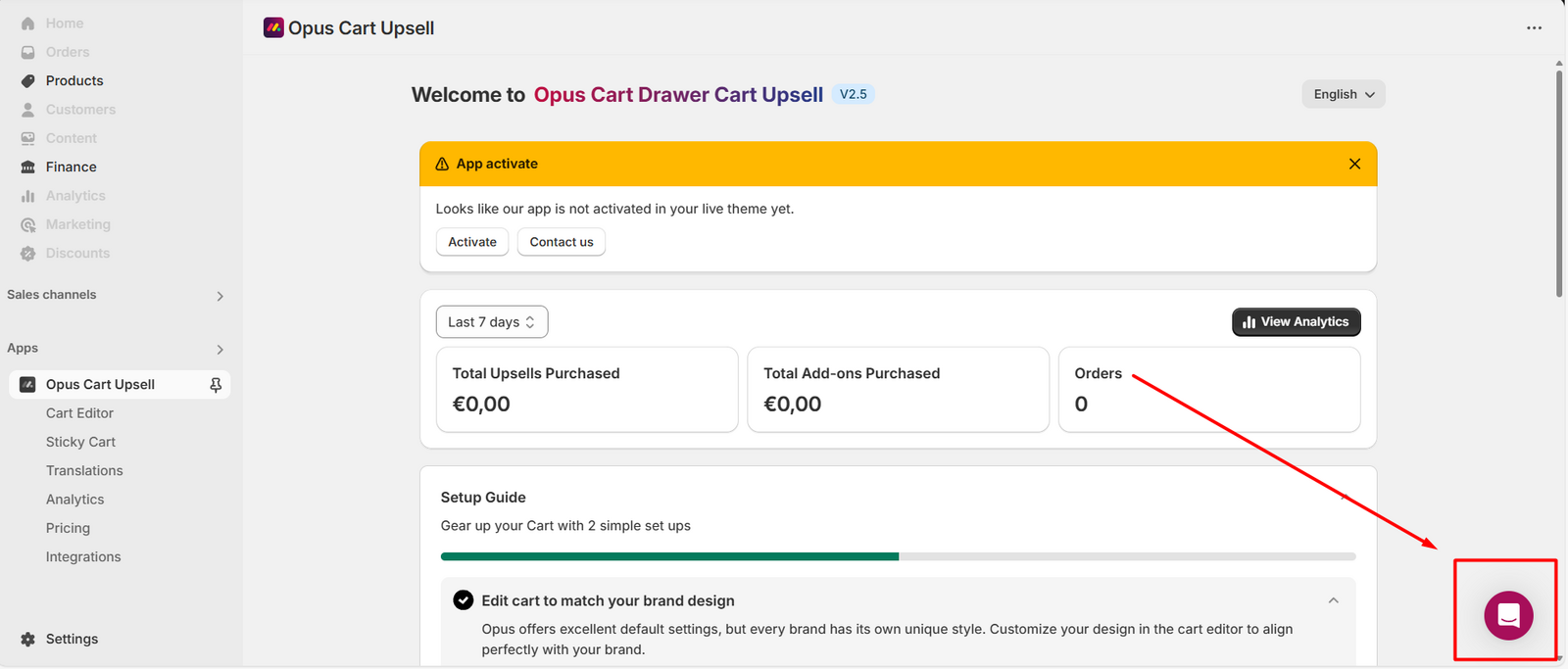
In some cases, the issue may be related to a specific app or theme on your store. In this case, our support team may recommend disabling or removing the app or making changes to your theme's code to resolve the issue.
Still need help?
Our support team is available 24/7. Contact support →