

Gift Wrap & Gift Message Setup
Use the gift wrap template to add a paid gift-wrap add-on with a message box, and find the message on the order.
Use the gift wrap template
In the cart editor, open Add-ons.
Click Use gift wrap template. It fills the title (Gift wrap) and description (Add gift wrapping and a personal message.) and turns on the gift message box.
Select the product you want to offer as gift wrap, and set your own price and image.
Click Save.
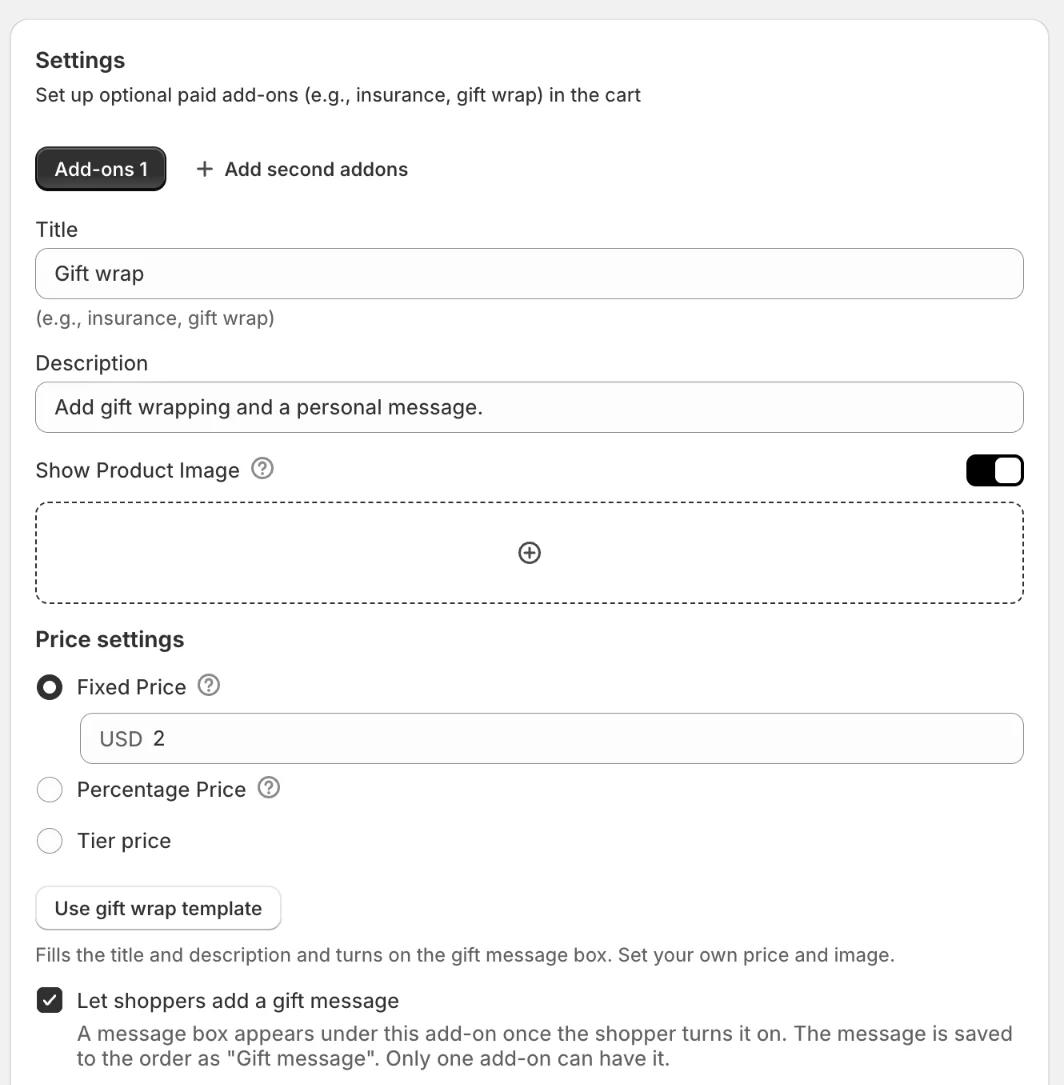
The gift message box
Let shoppers add a gift message adds a message box under the add-on. It appears once the shopper turns the add-on on. You can change the hint text in Message box placeholder (default: Write your gift message).
Only one add-on can have a gift message box.
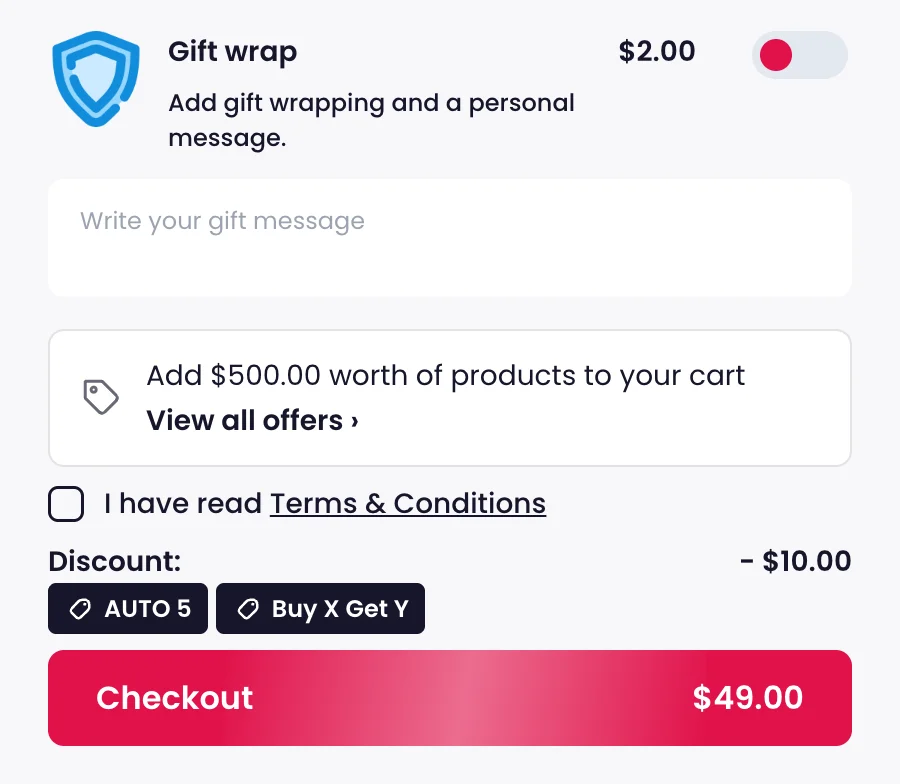
Find the message on the order
The message is saved to the order as Gift message. Open the order in your Shopify admin to read it before you pack the parcel.
Still need help?
Our support team is available 24/7. Contact support →