

Abandoned Cart Setup
See every abandoned checkout from Shopify, track how many you recover, and copy a recovery link — with a discount if you like — to send to the customer.
Turn on Abandoned Cart
Open Abandoned Cart (under Upsells & Recovery in the app menu) and click Turn on Abandoned Cart. You can switch it off again with the toggle at the top of the page.
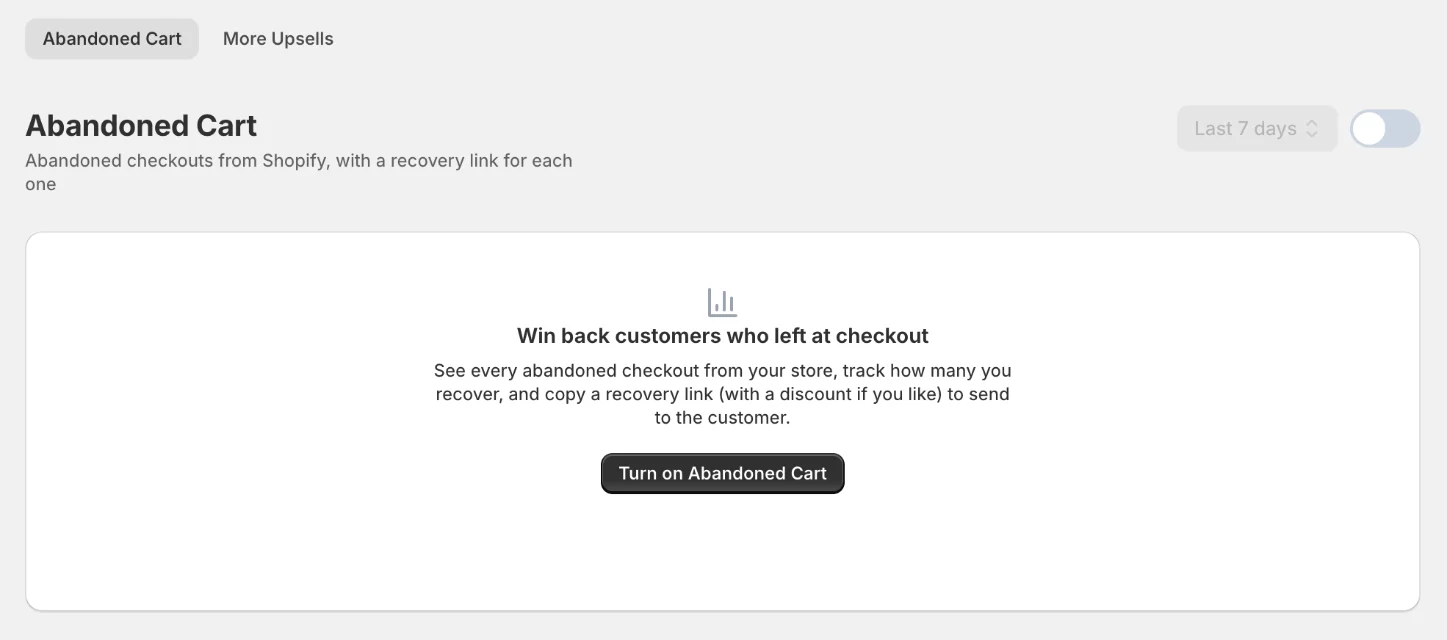
The page now reads abandoned checkouts directly from Shopify, so it lists the same checkouts you see in your Shopify admin.
Read the numbers
Pick a period (Today, Yesterday, Last 7 days, Last 30 days). Each number is compared with the previous period.
| Metric | Meaning |
|---|---|
| Abandoned checkouts | Checkouts where the customer left contact details but did not finish the order. Recovered ones are included. |
| Recovery emails sent | Abandoned checkouts Shopify has sent its recovery email for. Zero usually means the abandoned checkout automation is off in Shopify. |
| Recovered checkouts | Abandoned checkouts the customer later came back to and completed. |
| Recovery rate | Recovered checkouts as a share of all abandoned checkouts in the period. |
Send a recovery link
Optional: in Discount for recovery links, pick a discount code. The code is added to every recovery link you copy.
In the Abandoned checkouts table, find the checkout. Use the All / Not recovered / Recovered tabs and sort by date or value.
Click Copy link and send the link to the customer by email or chat.
Click View to open the checkout in Shopify. A checkout that is already recovered has no link to copy.
Show the customer's name and email
By default the table does not show who abandoned each checkout. In the See who abandoned each checkout card, click Allow access and approve the request. The customer's name and email then appear next to every checkout.
This permission is optional. If you decline, customer details stay hidden and you can allow access later from the same page.
Still need help?
Our support team is available 24/7. Contact support →